1 month
€17
€17.00 per month
Live TV · Movies · Series · Sport
Epix IPTV is a streaming subscription for premium live channels, national and international, plus movies, series and sport. It runs in a player app on your Smart TV, Fire TV Stick, Android device, Apple TV, phone or computer, and a real person helps you set it up.
Device check
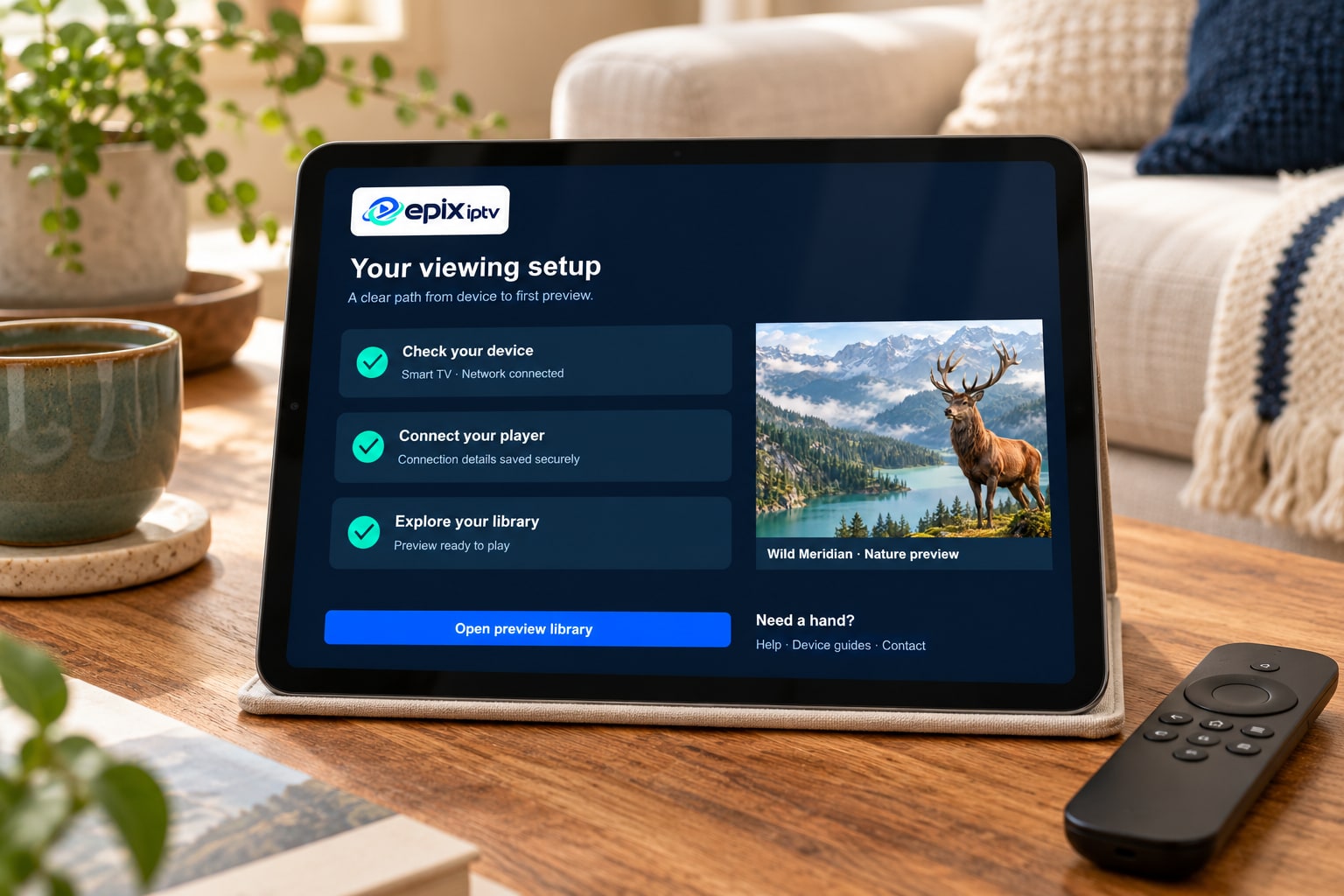
Pick your screen to see what it needs and what setup involves. If yours isn’t listed, send us the model number and we’ll check before you pay anything.
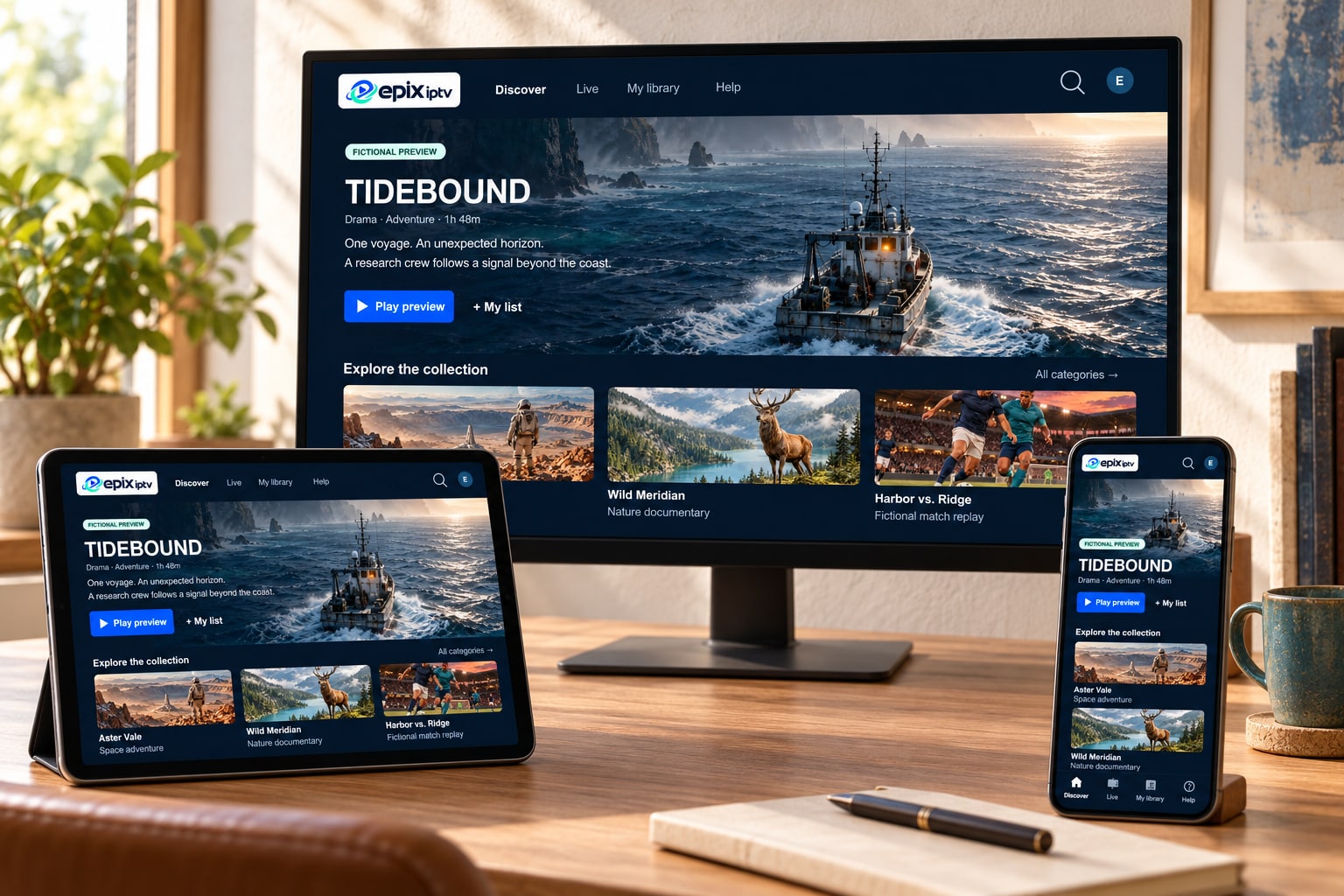
Recent Samsung (Tizen), LG (webOS) and Google TV or Android TV sets run a player app straight from the TV’s own app store. No extra box, no extra remote.
Older TV without the right app? A low-cost streaming stick usually solves it.
The quickest upgrade for any TV with an HDMI port. The 4K and 4K Max sticks have the processor and Wi-Fi to handle live sport smoothly.
Power the stick from its own adapter, not the TV’s USB port.
Android gives you the widest choice of player apps, on a phone for the commute or a TV box with a wired connection for the living room.
Avoid boxes sold “fully loaded” with unknown apps.
Apple TV 4K is fast and supported for years. The same kind of player app runs on iPhone and iPad, with AirPlay when you want the big screen.
Some App Store players charge a small fee to their developer.
Watch at your desk or on a laptop while traveling. A desktop media player that opens M3U playlists, such as VLC, is enough for occasional viewing.
For the full TV guide experience, a dedicated IPTV player works better than a general media player.
Dedicated IPTV boxes, projectors with Android, older streaming players and some game consoles can work too. It depends on the apps they support.
If your device can’t run a suitable app, we’ll tell you, and won’t sell you a plan.
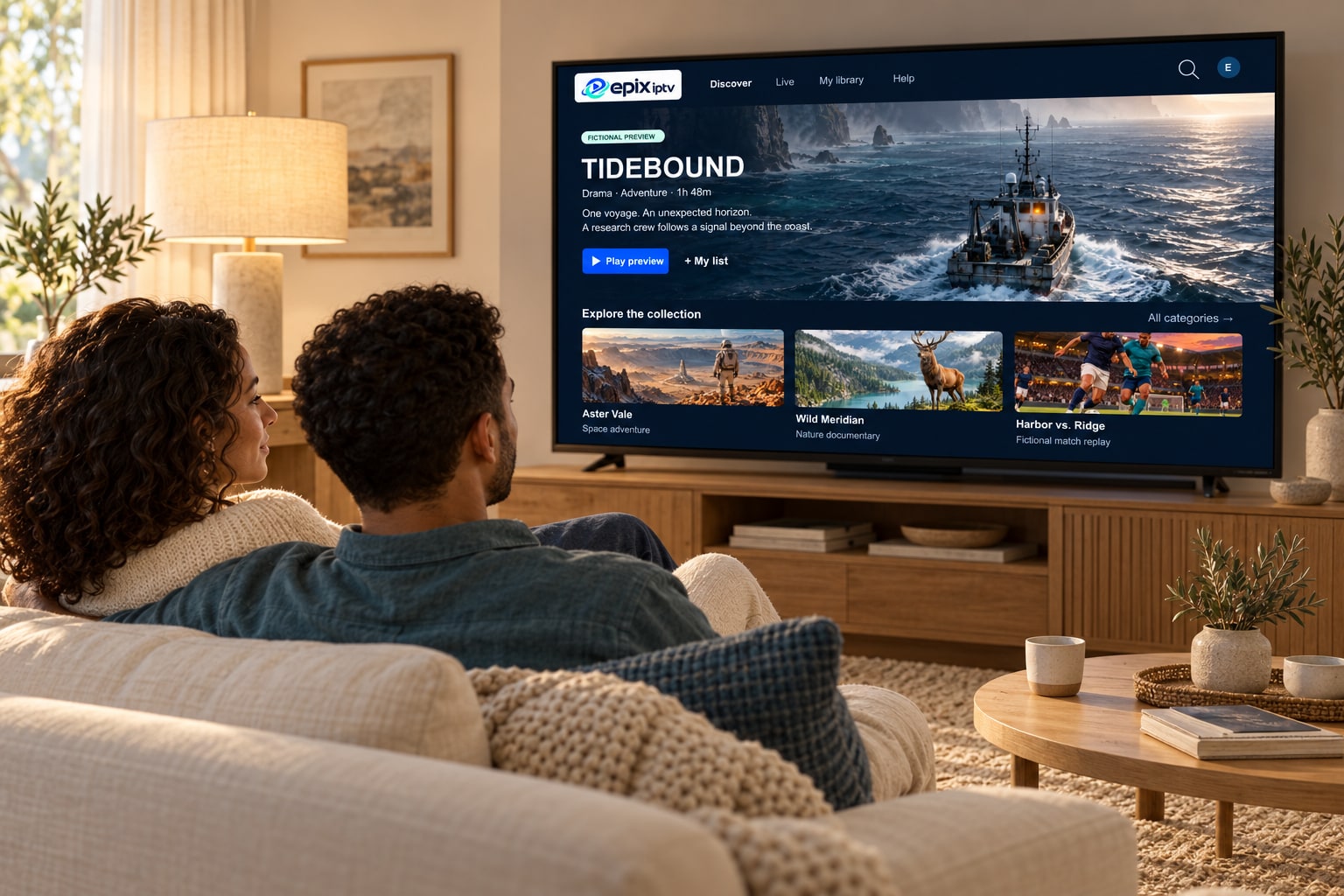
One login for live TV, movies and series
The service
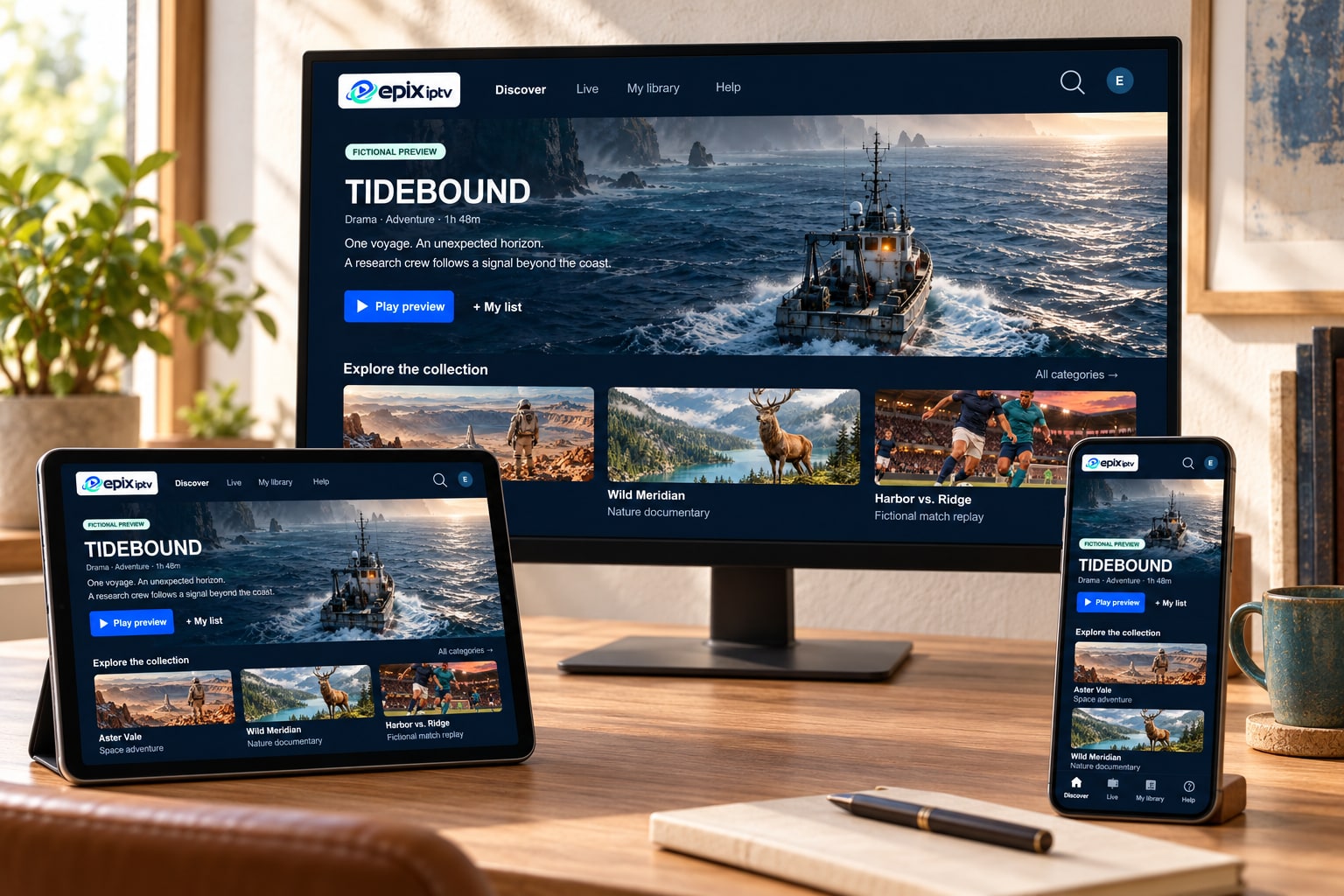
Epix IPTV delivers television over your internet connection instead of a satellite dish or cable box. Your subscription comes with one login that opens three things in your player app: live channels with a TV guide, a movie library and a series library.
You keep the screens you already have. There’s no installer visit, no hardware to rent and no long contract. You choose 1, 3, 6 or 12 months and decide later whether to renew.
The library
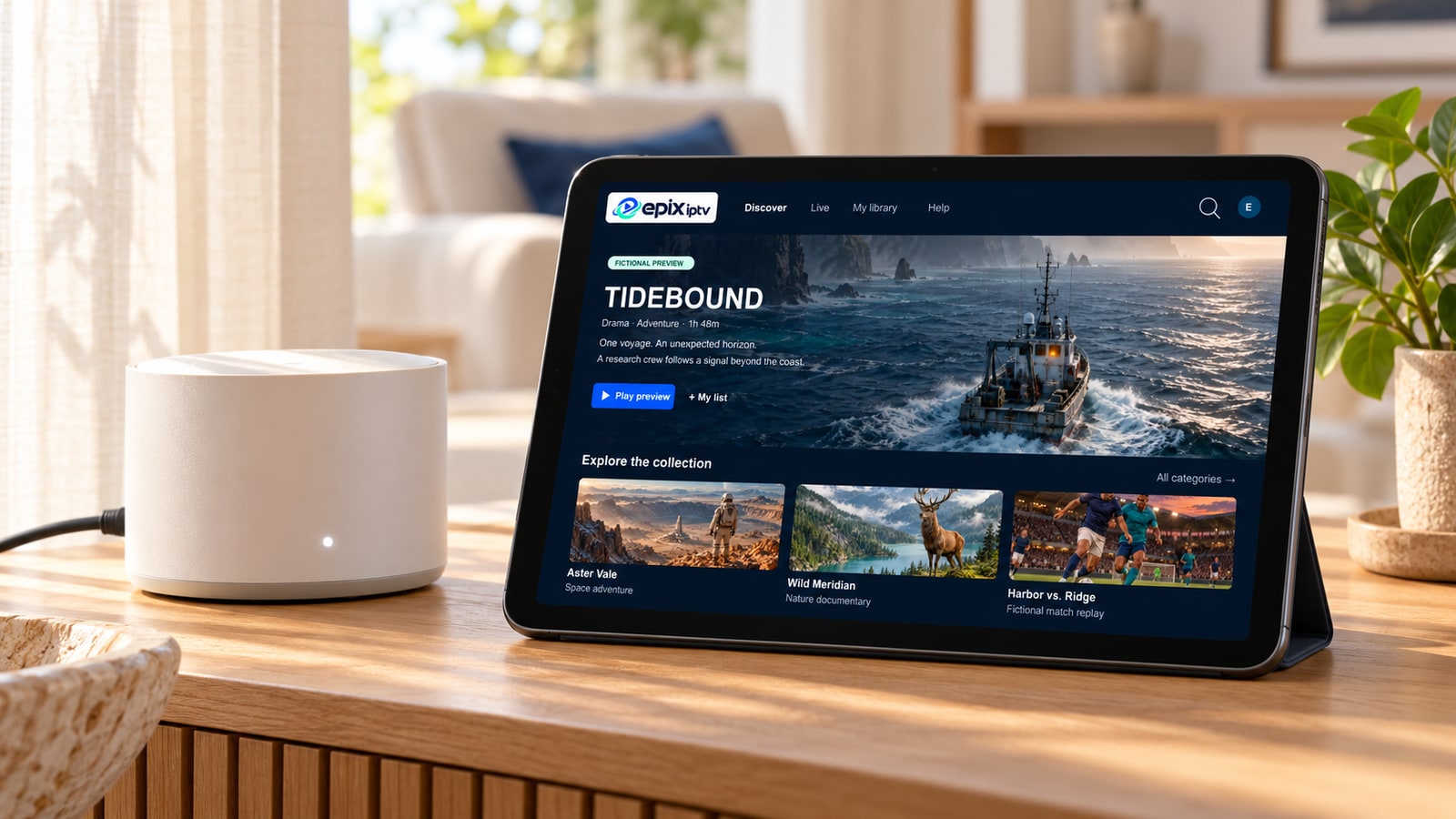
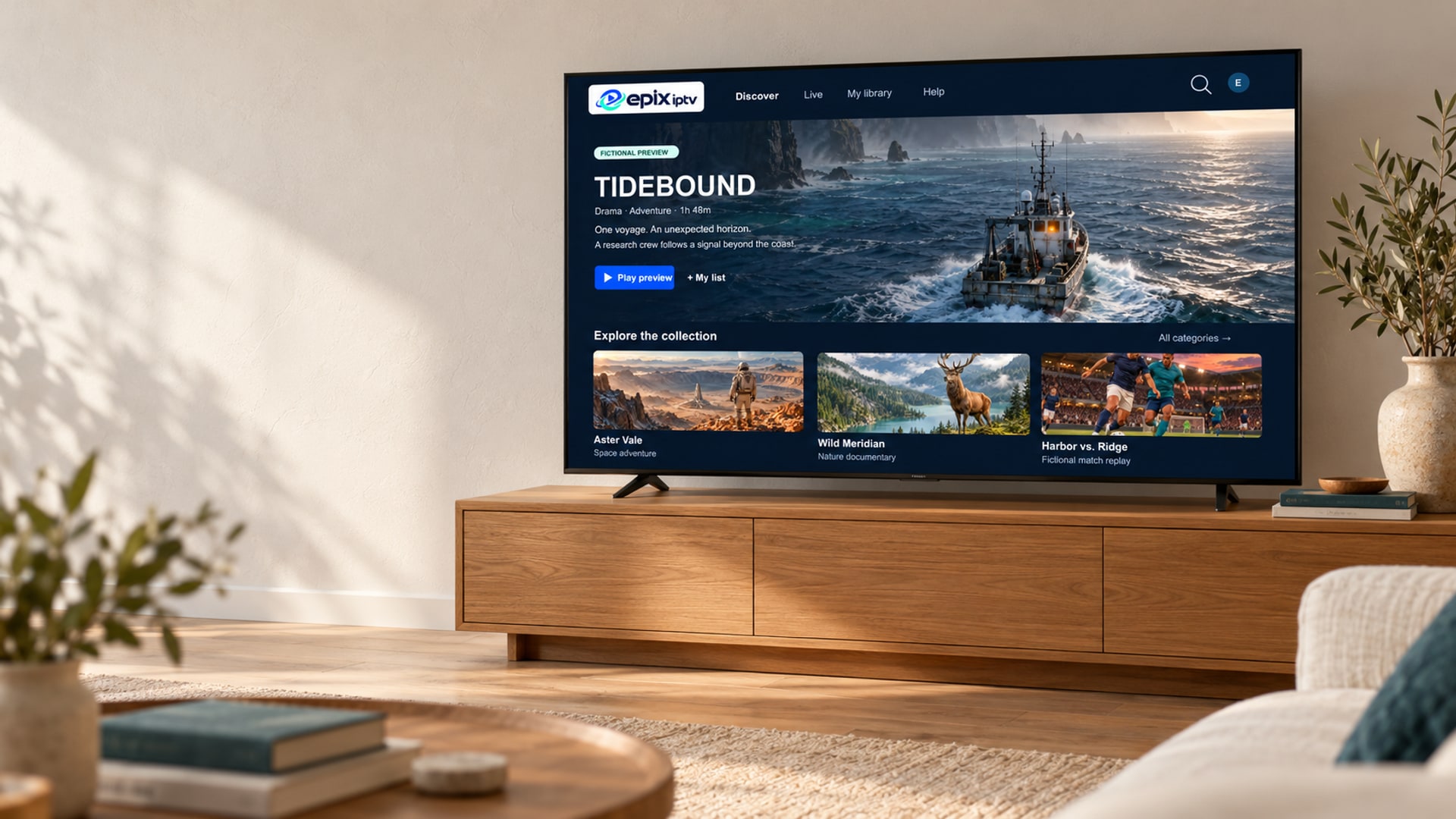
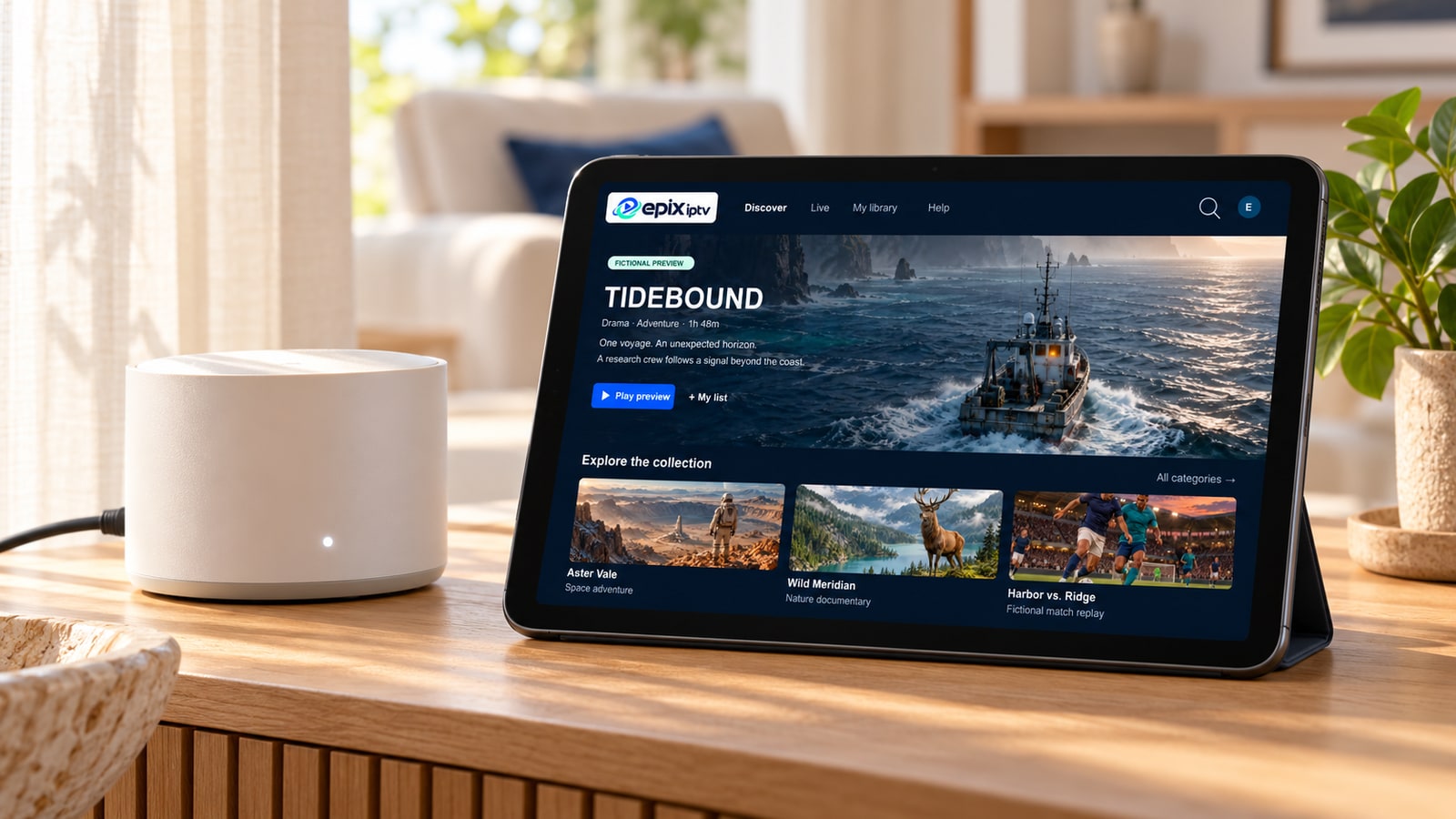
Everything sits in one organized app: live TV by category with a program guide, plus on-demand movies and series you can start whenever you like.
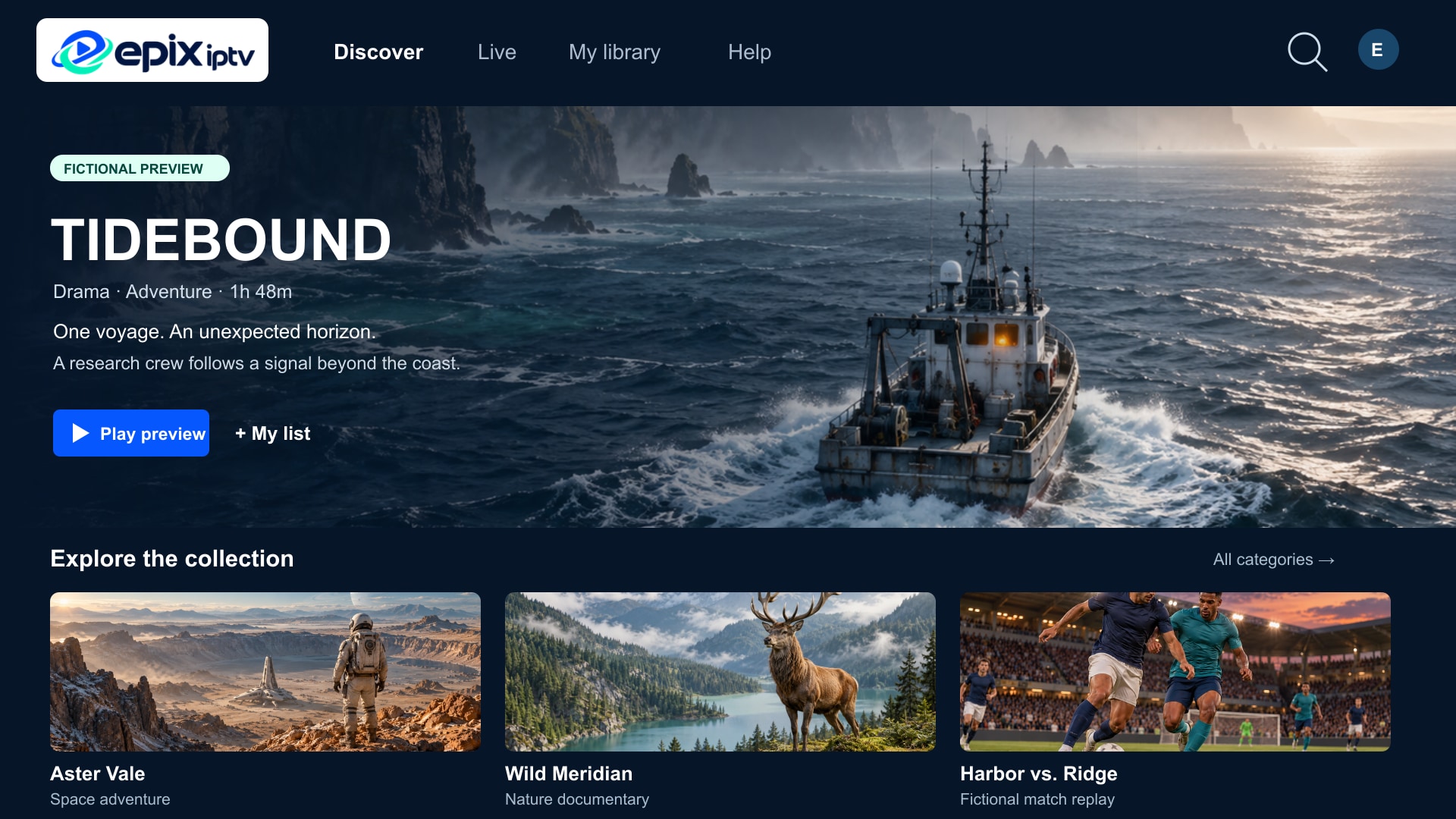




Titles and artwork shown here (Tidebound, Aster Vale, Wild Meridian, Harbor vs. Ridge) are fictional illustrations, not a list of available content. Ask us to check a specific channel, film or event before you order.
Pricing
Every plan includes the same channels, library and support. Longer plans simply cost less per month. All prices are in euros (EUR). Your bank converts automatically if you pay in another currency.
€17
€17.00 per month
€33
€11.00 per month
€44
€7.33 per month
Save €58 (57%) vs. paying monthly
Half a year for little more than two monthly payments.
Order 6 monthsBest value
€65
€5.42 per month
Save €139 (68%) vs. paying monthly
The lowest cost per month. One payment for the year.
Order 12 monthsHow it works
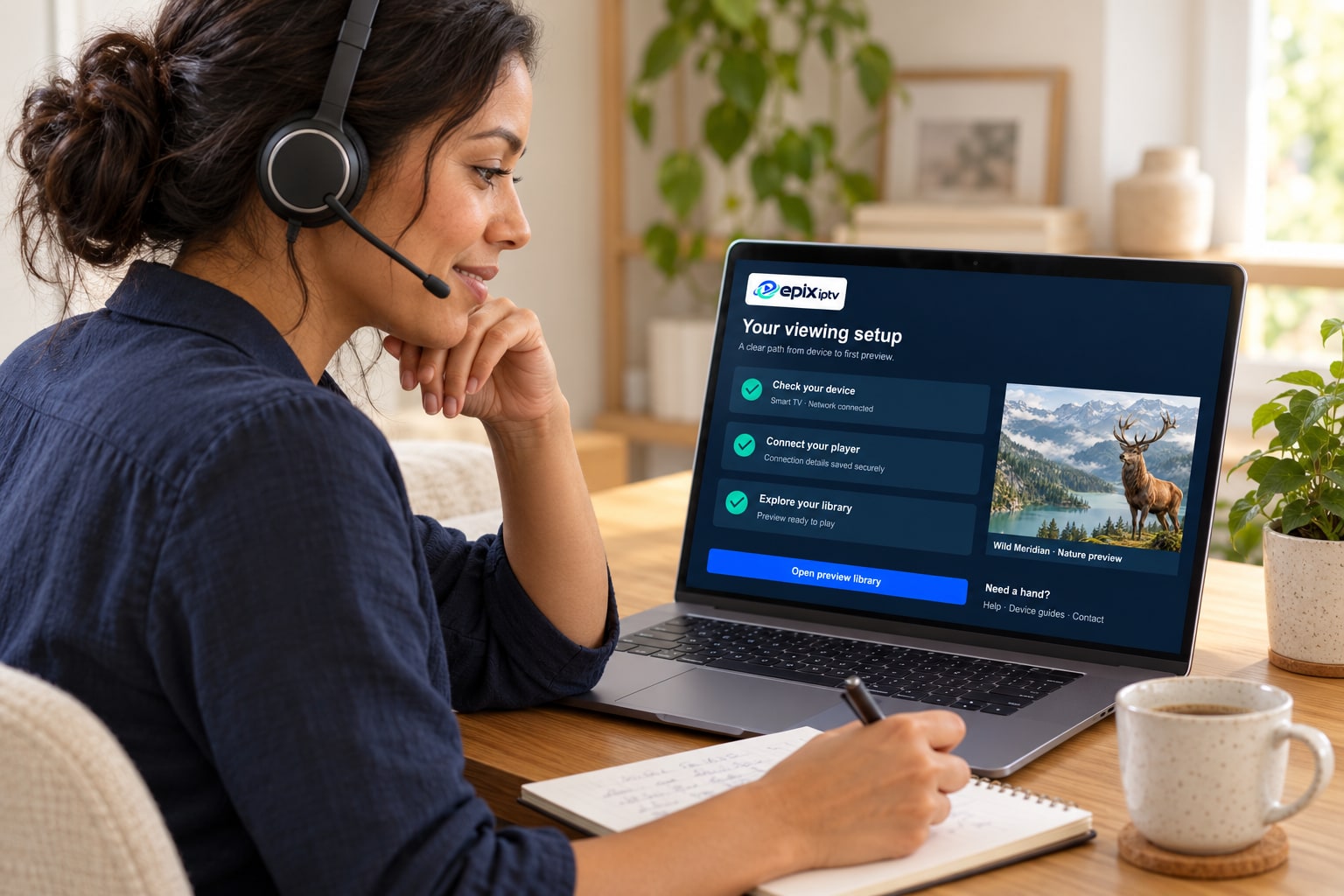
No installer visit and no guesswork. Here is exactly what happens after you message us.
Message us on WhatsApp with your plan and the screen you watch on. We confirm it’s compatible before you pay.
We share the payment options in the chat. You never send card numbers or banking passwords over WhatsApp.
Your Xtream Codes login or M3U link arrives by WhatsApp or email once payment is confirmed.
Install the player app we recommend, enter your login and open the TV guide. Stuck? We stay in the chat until it works.
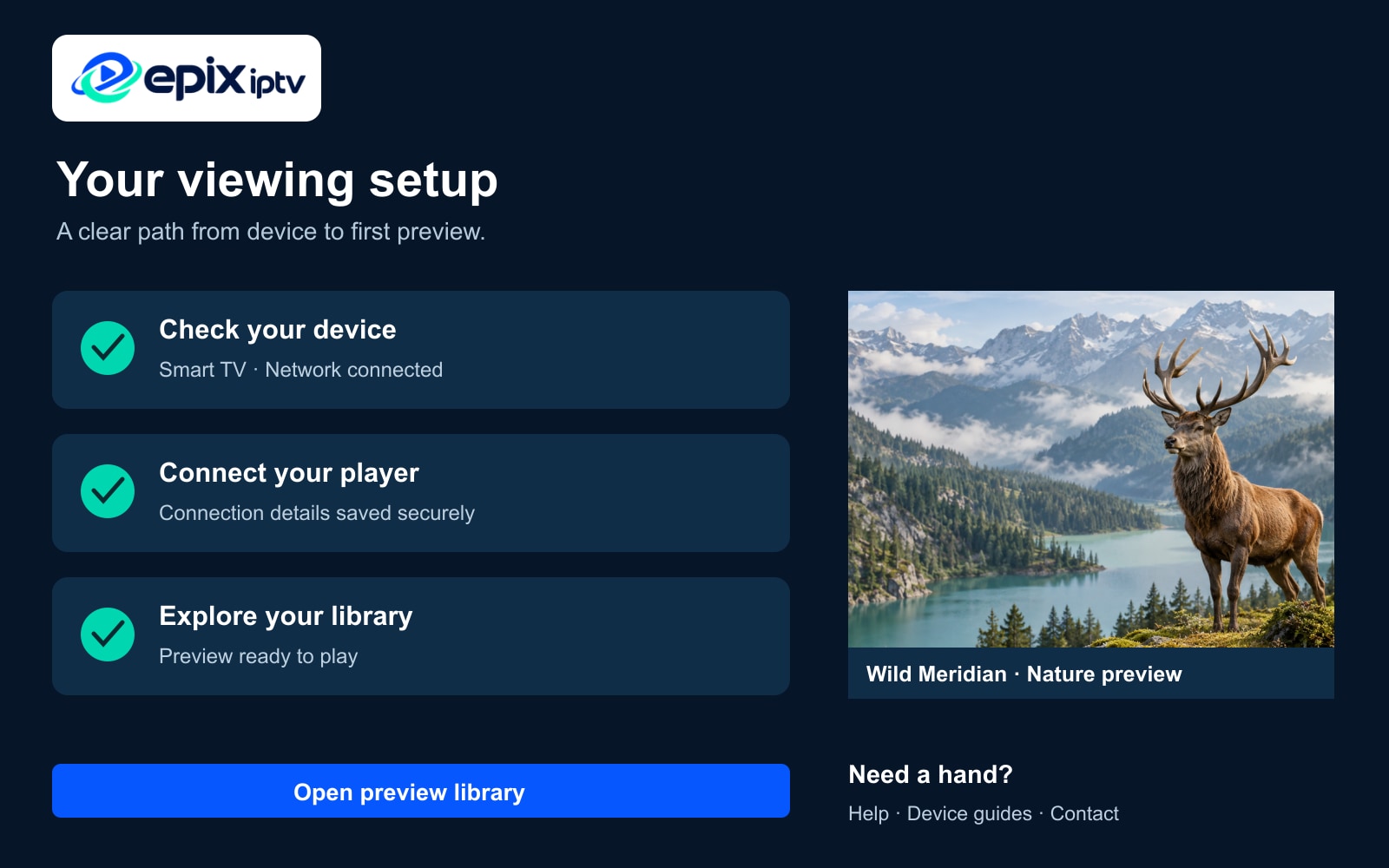
After you sign in
The player loads your channel list, movies, series and TV guide. The first load can take a few minutes on a streaming stick. After that it starts in seconds.
For the fastest answer, send:
Human support
Setup is where most IPTV services leave you on your own. With Epix IPTV, the same chat you order in stays open for help: choosing a player app, entering your login, loading the TV guide or fixing buffering on a busy evening.
Honest requirements
Most buffering comes from the home network, not the service. These are the practical numbers and habits our support team recommends.
Recommended speed per screen
| Quality | Speed |
|---|---|
| HD (720p) | ~10 Mbps |
| Full HD (1080p) | ~20 Mbps |
| 4K (2160p) | 30 Mbps + |
Two screens at once? Add the numbers together.
Ethernet beats Wi-Fi for live TV. Powerline adapters work if the router is in another room.
Faster and less crowded than 2.4 GHz in the same or the next room.
Install system updates before setup. Old firmware is the top reason apps won’t install.
Buyer’s checklist
Plenty of sites use similar names and big numbers. These checks separate a service you can rely on from one that disappears after payment. Here is how Epix IPTV answers each one.
| What to check | Why it matters | At Epix IPTV |
|---|---|---|
| Clear prices in a real currency | Hidden “per device” add-ons and missing currencies make the real cost unclear. | Four plans in euros with the per-month cost and savings calculated for you. |
| A written refund policy | Vague “money-back” badges mean nothing if the conditions aren’t published. | Published conditions on our refund policy page. |
| A way to test first | A test proves the service works on your device and network before you commit. | Free trial on request. See the trial page. |
| Setup help from a person | Most problems happen during setup. Without help, a working service can feel broken. | WhatsApp and email help for the whole subscription. |
| Honest technical requirements | Providers that promise “zero buffering” on any connection set you up for disappointment. | Real speed guidance and network tips, above. |
| A clear identity and contact | You should know who you are paying and how to reach them in writing. | Email, WhatsApp and legal notice linked from every page. |
FAQ
The questions people ask us most before ordering. Need a specific answer? Message us. A real person replies.
Ask your question on WhatsAppEpix IPTV is a streaming subscription that delivers live national and international TV channels, movies, series and sport over your internet connection. You watch it through a player app on a Smart TV, Fire TV Stick, Android device, Apple TV, phone, tablet or computer. Every plan includes setup help on WhatsApp and by email.
No. Epix IPTV is an independent streaming service. It is not affiliated with MGM+ (the premium channel formerly called EPIX) or with Amazon. If you are looking for that channel specifically, contact MGM+ or your TV provider.
Most modern Smart TVs (Samsung, LG, Google TV and Android TV), Fire TV Stick and Fire TV Cube, Android phones, tablets and boxes, Apple TV, iPhone and iPad, and Windows or Mac computers. See the full compatible devices list, or send us your model number and we’ll check before you pay.
Yes, and we recommend it. Send us the channel or event name on WhatsApp and we’ll confirm whether it is currently available. Line-ups can change, so checking first is the best way to avoid disappointment.
As a practical guide: about 10 Mbps for HD, 20 Mbps for Full HD and 30 Mbps or more for 4K, for each screen watching at the same time. Stability matters more than headline speed, so a network cable or a strong 5 GHz Wi-Fi signal makes the biggest difference.
We send your login details by WhatsApp or email as soon as your payment is confirmed. If you order outside support hours, they are sent when the team is back online, and we’ll tell you in the chat when to expect them.
Each subscription is set up for one screen at a time unless agreed otherwise. If your household needs more, tell us before you order and we’ll explain the options and prices.
Yes. You can request a short test to check channels, picture quality and your device before paying. See how it works on the free trial page.
Our team first works through setup with you, because most issues are fixed with an app or network setting. If the service still can’t work on your device, you can request a refund within the refund period confirmed on your order. The full conditions are in our refund policy.
IPTV is simply a way of delivering television over the internet, and it is used by many legal broadcasters. What matters is whether a provider has the right to distribute what it offers. Epix IPTV handles rights concerns through a published copyright and DMCA process, and we ask every customer to use the service in line with the laws of their country.
We share the available payment options in the chat before you pay. We will never ask for your card number, PIN or banking password on WhatsApp. Read more on our secure payment page.
From the blog
Practical, step-by-step help written from real support conversations.
A calm, step-by-step checklist for installing a player app, entering your Xtream Codes or M3U login and loading the TV guide on any device.
Smart TV app, Fire TV Stick, Android box or Apple TV? A practical comparison of what each device is good at, and which one to pick for live TV.
Buffering during busy evenings is usually a home network problem. Eight practical fixes, from router placement to Ethernet, that make live TV smoother.
Ready when you are
Send one message with your screen and what you like to watch. We’ll confirm compatibility, check any must-have channels and send the steps before you pay.
Prefer email? [email protected]